

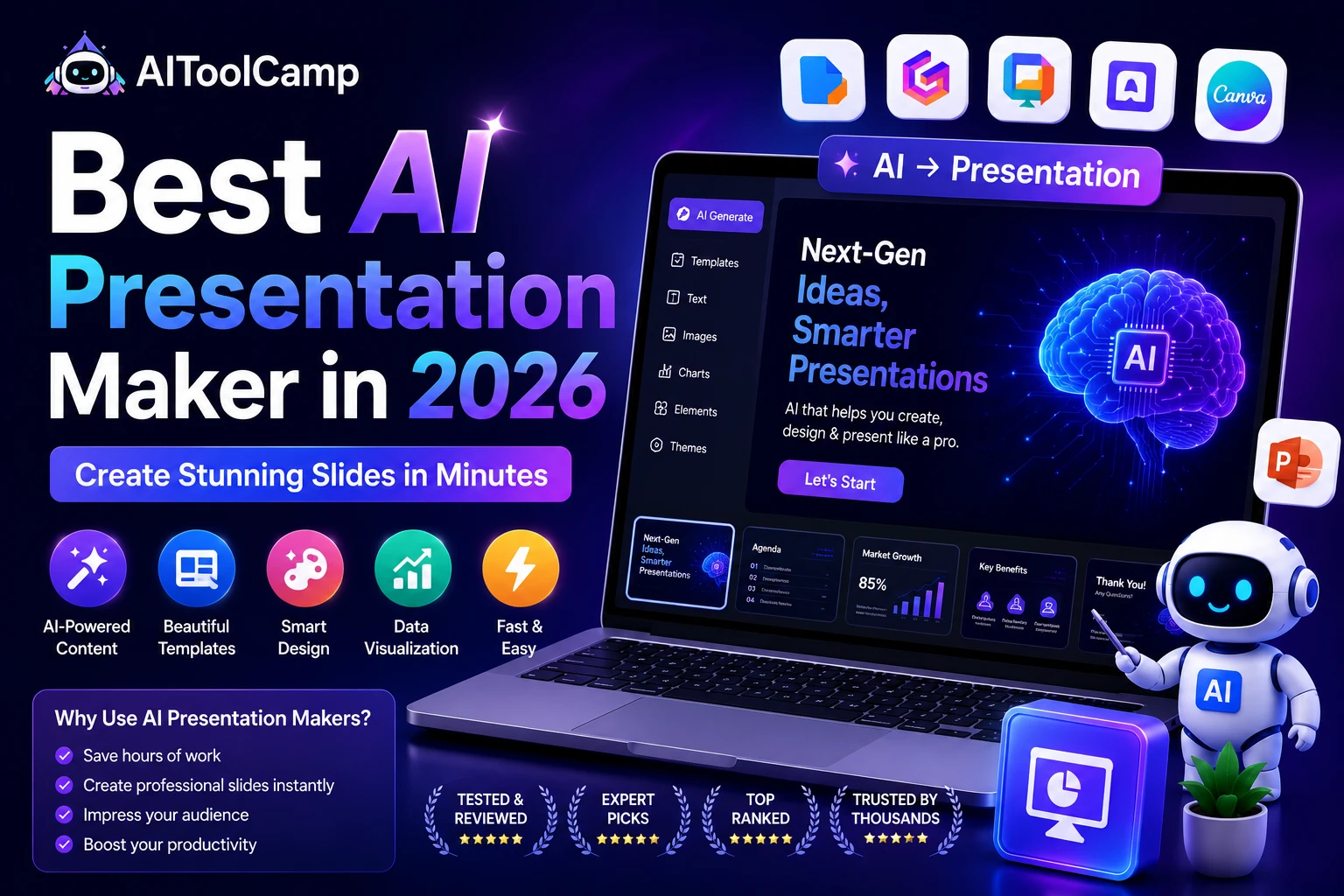
Best AI Presentation Maker in 2026: Complete Guide
Building a compelling slide deck used to take hours — even days. You’d stare at blank slides, wrestle with alignment, hunt for stock images, and still end up with something that looked mediocre. In 2026, that story has completely changed. The best AI presentation maker tools can take your rough ideas and turn them into polished, professional decks in minutes.
Whether you’re pitching investors, training employees, teaching students, or reporting to a board, an AI slide generator handles the heavy lifting — layout, design, imagery, and even the narrative structure — so you can focus on what actually matters: your message.
In this guide, we’ve reviewed and ranked the best AI presentation maker tools available in 2026, covering their features, pricing, strengths, and ideal use cases. Let’s dive in.
What Is an AI Presentation Maker?
An AI presentation maker is a software tool powered by artificial intelligence — typically large language models (LLMs) and generative design engines — that automatically creates slide decks from minimal user input. You provide a topic, an outline, or even a document, and the AI generates a complete, visually designed presentation ready for use or refinement.
Unlike traditional tools like Microsoft PowerPoint or Google Slides, where you design everything manually, AI presentation software handles:
- Slide structure and narrative flow
- Visual layout and typography choices
- Image selection or AI-generated visuals
- Color palette and branding consistency
- Content summarization from long documents
The result is a deck that looks like it was designed by a professional — without needing to be one.
Why You Need an AI Presentation Tool in 2026
Time is the most valuable resource for any professional, and presentation design consistently ranks as one of the biggest time drains in business. A 2024 survey by G2 found that knowledge workers spend an average of 4–6 hours per week just creating or editing presentations. AI presentation tools can slash that to under 30 minutes.
Here’s why AI-powered slide creation is no longer a luxury but a necessity:
1. Speed Without Sacrificing Quality
The best AI tools can generate a 10–15 slide deck in under 2 minutes from a simple text prompt. What previously required a graphic designer and several revisions now happens instantly, at a quality level that’s genuinely impressive.
2. No Design Skills Required
AI presentation makers handle all the design decisions — font pairing, whitespace, color contrast, slide hierarchy — so non-designers can produce executive-level decks without any training.
3. Consistent Branding at Scale
For teams and businesses, brand consistency across dozens of presentations is a constant challenge. AI tools with brand kit integration ensure every slide follows your exact guidelines automatically.
4. AI-Powered Content Generation
Beyond design, many modern tools use LLMs to generate the actual slide content — bullet points, speaker notes, executive summaries — from your brief. This means you don’t just get a beautiful shell; you get a complete first draft ready to review and refine.
Top 7 Best AI Presentation Maker Tools in 2026
We evaluated over 20 AI presentation tools based on output quality, ease of use, collaboration features, export options, pricing, and overall value. Here are the seven that stood out.
1. Gamma — Best Overall AI Presentation Maker
Gamma is the most widely used AI presentation maker in 2025, and for good reason. Simply type your topic or paste an outline, and Gamma generates a fully designed, content-rich deck in about 60 seconds. Its clean card-based format works beautifully for web presentations and exports cleanly to PowerPoint and PDF.
Best for: Marketers, founders, and anyone who needs a fast, beautiful deck with minimal input.
Pricing: Free tier available. Pro from $8/month.
2. Beautiful.ai — Best for Professional Business Teams
Beautiful.ai uses a patented “smart template” system that automatically adjusts layouts as you add content. It’s particularly strong for business presentations where brand consistency and polished visuals matter. Team workspaces and brand kit features make it a top pick for agencies and enterprises.
Best for: Business teams, agencies, and brand-conscious organizations.
Pricing: Pro from $12/month. Team plans available.
3. Canva AI — Best for Versatility and Templates
Canva’s AI presentation features, including Magic Design and Magic Write, are now deeply integrated into its presentation builder. With thousands of templates, a massive asset library, and AI tools that generate both content and visuals, Canva remains the go-to for non-technical users who want flexibility.
Best for: Educators, social media managers, and teams that need multipurpose design beyond just slides.
Pricing: Free tier. Canva Pro from $12.99/month.
4. Tome — Best for Storytelling and Narrative Decks
Tome was purpose-built for narrative-driven presentations. Rather than traditional slide grids, it uses a flowing page format ideal for pitch decks, case studies, and stories. Its AI generates both text and imagery with exceptional coherence, making decks feel authored rather than auto-generated.
Best for: Startup founders, salespeople, and creative teams.
Pricing: Free. Pro from $8/month.
5. Pitch — Best for Collaborative Team Presentations
Pitch combines the speed of AI generation with robust collaboration features that rival Figma. Real-time co-editing, version history, and a smart template library make it ideal for teams that iterate frequently on decks. The AI assistant helps generate speaker notes and initial drafts.
Best for: Collaborative teams that build and iterate on presentations frequently.
Pricing: Free tier. Pro from $8/month.
6. SlidesAI — Best Google Slides AI Plugin
SlidesAI is an AI add-on for Google Slides that converts text or documents into formatted presentations directly inside the Google ecosystem. If your team already lives in Google Workspace, SlidesAI is the most seamless way to bring AI presentation capabilities without switching platforms.
Best for: Google Workspace users and educators.
Pricing: Free tier available. Pro from $10/month.
7. MagicSlides — Best for PowerPoint & Quick Drafts
MagicSlides is a fast, lightweight AI tool designed to generate PowerPoint-compatible slides from a topic or document in seconds. It’s less feature-rich than Gamma or Beautiful.ai, but its dead-simple interface and direct PowerPoint export make it a favorite for users who just want a usable first draft quickly.
Best for: PowerPoint loyalists who want AI-assisted first drafts.
Pricing: Free tier. Pro from $6.99/month.
How to Choose the Right AI Presentation Maker
With so many options available, the right choice depends on your specific workflow and priorities. Here’s a decision framework to guide you:
Consider Your Use Case
- Pitch decks and investor presentations → Gamma or Tome
- Enterprise and brand-heavy work → Beautiful.ai
- Classroom or educational content → Canva AI or SlidesAI
- Team collaboration → Pitch
- Quick PowerPoint exports → MagicSlides
Check Export Compatibility
Not every AI presentation maker exports to PowerPoint or PDF equally well. If you’ll be sharing decks outside the platform — especially in corporate environments where PPT is standard — test the export quality before committing to a paid plan.
Evaluate the Free Tier
Most top AI presentation tools offer free tiers. Use them. Gamma, Tome, Canva, and Pitch all offer meaningful free functionality. Try at least two or three before paying for anything.
Assess Brand Kit Features
If you’re building presentations for a business or agency, look for tools that support custom brand kits — logo uploads, brand color palettes, and custom font loading. Beautiful.ai and Pitch lead here.
AI Presentation Maker vs Traditional Tools: Key Differences
| Feature | Traditional Tools (PPT/Slides) | AI Presentation Maker |
| Time to create deck | 2–6 hours | 2–10 minutes |
| Design skills needed | Yes / Moderate | None required |
| Content generation | Manual only | AI-assisted drafts |
| Template quality | Generic (often) | High-quality / adaptive |
| Collaboration | Limited (PPT) / Good (Slides) | Built-in (most tools) |
| Cost | Included in Office/Workspace | $0–$15/month |
Tips to Get the Best Results from an AI Presentation Maker
AI tools are only as good as the instructions you give them. Here’s how to get professional-quality output every time:
- Be specific with your prompt: Instead of “a marketing presentation,” write “a 10-slide B2B SaaS sales deck for a project management tool targeting mid-market teams.” More context = better structure.
- Upload a document or outline first: Most tools let you import a brief, whitepaper, or notes. This dramatically improves content relevance.
- Use the regenerate feature selectively: Don’t regenerate the whole deck if one slide is off. Regenerate slide-by-slide to preserve what’s working.
- Always review speaker notes: AI-generated notes are often surprisingly strong and save significant prep time before your presentation.
- Apply your brand kit after generation: Set brand colors and fonts after the deck is generated so the AI’s layout choices don’t get constrained.
Related AI Tools You Should Know About
If you’re exploring AI tools for presentations, you may also be interested in these complementary tools that work well alongside AI slide makers:
→ AI Writing Tools — Use AI writing assistants to draft the content for your deck before feeding it into your slide maker. See our roundup of the best AI writing tools on AIToolCamp.
→ AI Image Generators — Generate custom visuals for your slides. Check out our list of top AI image generators for stunning slide graphics.
→ AI Productivity Tools — Save even more time across your workflow. Browse the full AI productivity tools directory on AIToolCamp.
Further Reading & External Resources
For in-depth user reviews and ratings of individual tools, see the G2 AI Presentation Software category. For the latest news on AI in design and productivity, TechCrunch’s AI coverage section is a reliable resource. Canva’s own blog also publishes excellent guides on effective presentation design.
Frequently Asked Questions (FAQ)
What is the best free AI presentation maker?
Gamma and Canva AI are the two best free AI presentation makers in 2025. Both offer generous free tiers with AI generation capabilities. Gamma is better for speed and simplicity; Canva is better for design flexibility and template variety.
Can I use AI to make a PowerPoint presentation?
Yes. Tools like MagicSlides, SlidesAI (Google Slides add-on), and Gamma all export directly to PowerPoint (.pptx) format. You can generate your deck with AI and then open and edit it natively in Microsoft PowerPoint.
How accurate is AI-generated presentation content?
AI presentation tools generate content based on your input and their training data. For factual or technical topics, always review and verify the content before presenting. The AI excels at structure and phrasing; the accuracy of specific data points is your responsibility to check.
Are AI presentation makers suitable for enterprise use?
Yes. Beautiful.ai and Pitch both offer enterprise-grade features including SSO, advanced admin controls, brand kit enforcement, and SLA-backed uptime. Gamma and Canva also offer Team and Enterprise tiers with collaboration and security features.
How does an AI presentation maker work?
Most AI presentation makers use large language models (like GPT-4 or similar) to generate and structure slide content from your input, combined with rule-based or AI-driven design engines that select layouts, typography, and imagery. Some use diffusion models to generate custom visuals on the fly.
Final Verdict: Which AI Presentation Maker Should You Use?
The AI presentation maker landscape in 2026 is mature, competitive, and genuinely impressive. For most users, Gamma is the best starting point — it’s fast, free, and produces excellent results for a wide range of use cases. If brand consistency matters, Beautiful.ai is worth the investment. For teams that collaborate heavily, Pitch is the standout choice.
The bottom line: there’s no longer any reason to spend hours building slides from scratch. Every professional should have at least one AI presentation tool in their stack. The only question is which one fits your workflow best — and the only way to find out is to try them.
Ready to explore more AI tools that save you time and boost your productivity? Browse the full directory at AIToolCamp.com — your go-to resource for discovering, comparing, and choosing the best AI tools for business.
Explore More on AIToolCamp.com
- → Browse all AI Marketing Tools on AIToolCamp
- → Best AI Customer Support Tools 2026
- → Best AI Writing Tools for Content Creation
- → Best AI Tools for Startups 2026
- → Best AI Tools for Social Media Management
- → Explore All AI Tools by Category at AIToolCamp.com
- https://aitoolcamp.com/best-ai-tools-for-project-management-2026/
- https://aitoolcamp.com/ai-tools-for-real-estate-agents/