

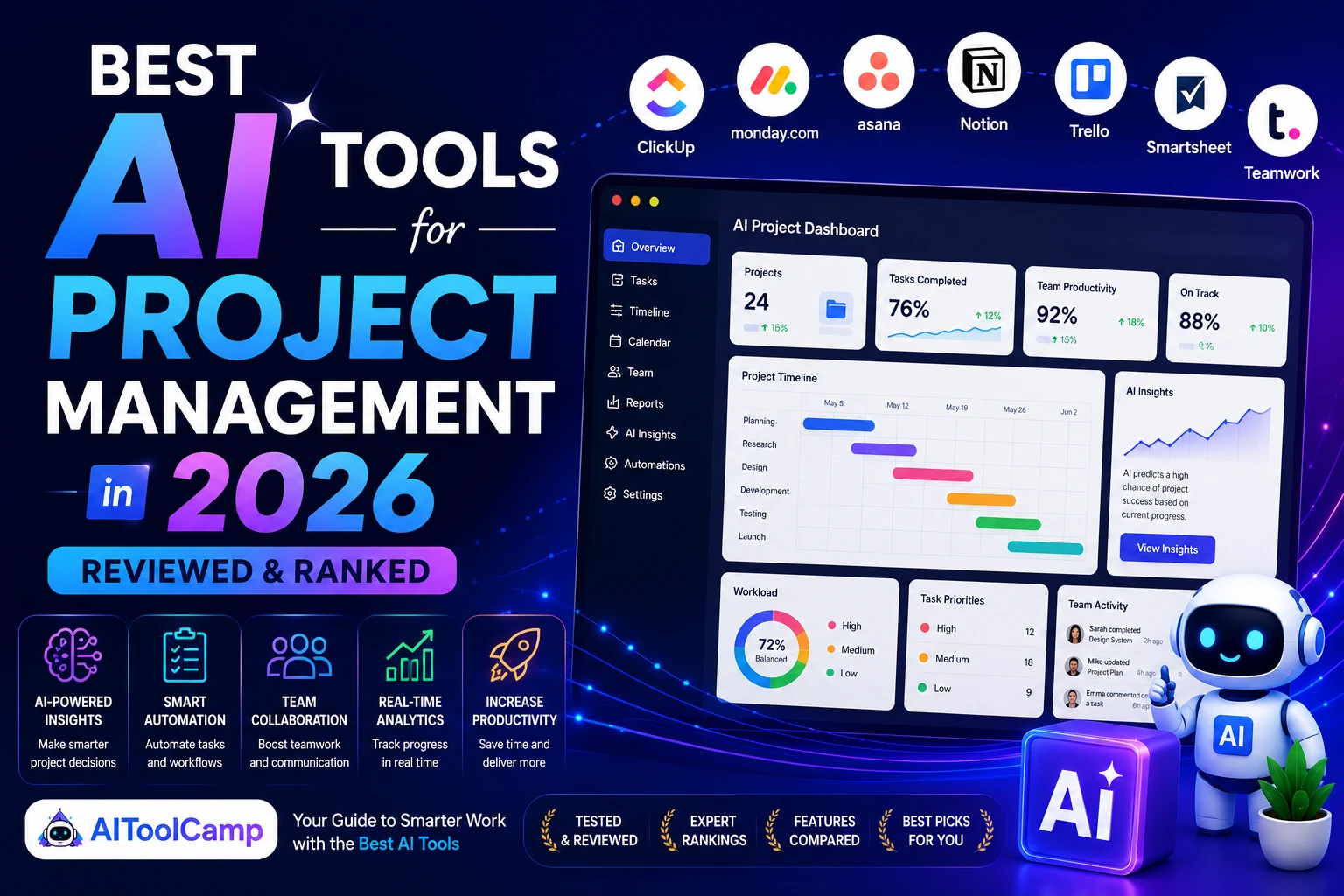
Best AI Tools for Project Management 2026: The Complete Guide
Project management has undergone a dramatic transformation. The spreadsheets, color-coded sticky notes, and endless status-update meetings that once defined the discipline are rapidly giving way to intelligent, AI-driven platforms that think, predict, and act. If you’re still managing projects the old-fashioned way in 2026, you’re leaving serious efficiency on the table.
In this comprehensive guide — updated for 2026 — we break down the 10 best AI tools for project management, covering their standout features, pricing, ideal use cases, and how they compare side-by-side. Whether you run a 3-person startup or a 300-person enterprise, there’s an AI-powered PM tool built for your team.
Looking for free options? Check out our guide to the best free AI tools of 2026 or explore our full AI productivity tools roundup for more recommendations.
Why AI Project Management Tools Matter in 2026
The era of passive project tracking is over. Today’s AI project management platforms are predictive, proactive, and increasingly autonomous. Here’s what modern AI brings to the table:
- Predictive risk detection: AI flags scope creep, deadline slippage, and budget overruns before they happen.
- Intelligent resource allocation: Algorithms analyze team capacity, skill sets, and historical velocity to assign work optimally.
- Automated reporting: Natural language generation turns raw project data into polished stakeholder reports in seconds.
- Natural language task creation: Describe a project goal in plain English and watch AI break it into subtasks, assign owners, and set deadlines.
- Agentic automation: The most advanced tools can execute multi-step workflows autonomously — no human trigger required.
According to industry analysts, leading AI project management platforms in 2026 are capable of automating 30–40% of routine administrative tasks, giving managers back hours every week for strategic thinking.
The 10 Best AI Tools for Project Management in 2026
We evaluated each tool across six dimensions: AI depth, ease of use, integrations, scalability, security, and value for money. Here are our top picks.
| #1 ClickUp — Best All-in-One AI Project Management Platform
✦ Key AI Features: • ClickUp Brain: AI assistant for task summaries, status updates & project insights • Natural language task creation — describe a goal, AI builds the full project plan • AI-powered sprint planning with workload forecasting • Automated progress reports sent to stakeholders on a schedule • 1,000+ integrations including Slack, GitHub, Zapier, and Google Workspace Best For: Teams of all sizes; especially agencies, software teams, and remote-first companies Pricing: Free plan available. Paid plans from $7/user/month. Business from $12/user/month. |
| #2 Asana — Best for Cross-Functional Workflow Automation
✦ Key AI Features: • Asana Intelligence: auto-drafts project briefs, status updates, and goals • Smart risk-flagging — AI identifies at-risk milestones based on velocity data • Workflow Builder with AI-suggested automation rules • Deep integrations with Salesforce, Jira, Microsoft Teams, and Slack • Workload view with AI-driven capacity recommendations Best For: Marketing teams, operations teams, and enterprises running cross-functional projects Pricing: Free plan for up to 10 users. Premium from $10.99/user/month. Business from $24.99/user/month. |
| #3 Monday.com — Best for Resource Planning & Risk Assessment
✦ Key AI Features: • Monday AI: generates task descriptions, updates, and project summaries • Predictive analytics for resource conflicts and timeline risks • AI-powered formula building — describe in plain English, AI writes the formula • Automated workload balancing across teams and departments • Extensive marketplace with 200+ app integrations Best For: Operations managers, HR teams, and mid-to-large businesses needing flexible workflows Pricing: Free plan for up to 2 seats. Basic from $9/seat/month. Pro from $19/seat/month. |
| #4 Wrike — Best for Enterprise-Grade Predictive Analytics
✦ Key AI Features: • Wrike Lightspeed AI: predictive project risk scoring and resource forecasting • AI-generated project blueprints from a single sentence description • Voice-to-task: capture meeting notes and auto-create action items • MCP (Model Context Protocol) support for private LLM integration — critical for enterprise security • Advanced AI-powered dashboards with real-time project health scores Best For: Enterprise teams and professional project managers needing deep analytics and security Pricing: Free plan available. Team from $9.80/user/month. Business from $24.80/user/month. |
| #5 Notion AI — Best for Knowledge-Driven Project Teams
✦ Key AI Features: • Notion AI: drafts project docs, PRDs, meeting notes, and wikis instantly • AI Q&A — ask questions about your workspace and get instant answers • Connected projects: link tasks, docs, and databases with AI-powered search • Auto-summarizes long threads, documents, and meeting transcripts • Custom AI templates for recurring project types Best For: Product teams, startups, and knowledge workers blending docs with project management Pricing: Free plan available. Plus from $10/user/month. Business from $15/user/month. AI add-on: $8/user/month. |
| #6 Smartsheet — Best for AI-Powered Spreadsheet-Style PM
✦ Key AI Features: • Smartsheet AI: generates formulas, summaries, and automated workflows from natural language • Agentic capabilities: AI agents that monitor project data and trigger actions autonomously • Brandfolder AI for visual asset management alongside project tracking • Dynamic Gantt charts with AI-adjusted critical path analysis • Enterprise-grade security with role-based permissions and audit trails Best For: Finance, construction, and operations teams comfortable with spreadsheet-style interfaces Pricing: Pro from $9/user/month. Business from $19/user/month. Enterprise: custom pricing. |
| #7 Taskade — Best Free AI Project Management Tool for Remote Teams
✦ Key AI Features: • AI Agent Workflows: build custom AI agents that run autonomously inside your projects • AI Mind Maps: visualize project structures and brainstorm with AI in real time • Auto-generate task lists, outlines, and project plans from a single prompt • Real-time collaborative editing with built-in video chat • Generous free plan with full AI features included Best For: Remote teams, freelancers, and startups needing powerful AI on a tight budget Pricing: Free plan (generous). Pro from $8/user/month. Business from $16/user/month. |
| #8 Motion — Best AI Scheduling & Auto-Prioritization Tool
✦ Key AI Features: • Fully automated daily schedule builder — AI plans your day based on deadlines and priorities • Intelligent task rescheduling: when plans change, Motion rebuilds the entire schedule instantly • Meeting scheduler with conflict-aware AI booking • Project timeline forecasting based on team velocity • Deep calendar integration (Google, Outlook) Best For: Individual contributors, solopreneurs, and small teams who struggle with prioritization Pricing: Individual from $19/month. Team from $12/user/month. |
| #9 Zoho Projects — Best AI PM Tool for Small Businesses
✦ Key AI Features: • Zia AI: creates tasks, generates summaries, and surfaces insights automatically • Zoho MCP Server: connects AI models to project data via natural language prompts • Free plan includes Gantt charts, task management, and workflow automation • Deep integration with Zoho CRM, Books, and the full Zoho ecosystem • 50 workflow automations/month on the free tier Best For: Small businesses and growing teams already in the Zoho ecosystem Pricing: Free plan (up to 5 users). Premium from $4/user/month. Enterprise from $9/user/month. |
| #10 Forecast PSA — Best AI-Native Resource & Financial Management
✦ Key AI Features: • AI-native platform: every feature — scheduling, billing, reporting — is AI-informed from day one • Predictive profitability: AI forecasts project margin before you’ve even started billing • Smart resource matching: AI suggests the right people for the right tasks based on skills and availability • Auto-generated project plans from historical similar projects • Continuous learning: AI improves estimates over time based on your team’s real data Best For: Professional services firms, agencies, and consultancies managing complex billable projects Pricing: Pricing on request. Typically starts ~$29/user/month for full platform access. |
Quick Comparison: Top AI Project Management Tools 2026
| Tool | Best For | Free Plan? | Starting Price | Top AI Feature |
| ClickUp | All-in-one teams | ✅ Yes | $7/user/mo | Natural language planning |
| Asana | Cross-functional | ✅ Yes | $10.99/user/mo | Smart risk flagging |
| Monday.com | Operations | ✅ Yes | $9/seat/mo | AI formula builder |
| Wrike | Enterprise | ✅ Yes | $9.80/user/mo | Predictive analytics + MCP |
| Notion AI | Docs + Projects | ✅ Yes | $10/user/mo | AI Q&A on workspace |
| Smartsheet | Spreadsheet-style | ❌ No | $9/user/mo | Agentic AI workflows |
| Taskade | Remote teams | ✅ Yes | $8/user/mo | Custom AI agents |
| Motion | Auto-scheduling | ❌ No | $19/mo | Full day auto-planning |
| Zoho Projects | Small business | ✅ Yes | $4/user/mo | Zia AI + MCP Server |
| Forecast PSA | Agencies/PSF | ❌ No | ~$29/user/mo | Predictive profitability |
How to Choose the Right AI Project Management Tool
With so many strong options available, choosing the right AI project management tool comes down to your team’s specific context. Here’s a practical framework:
1. Define Your Team Size and Structure
Small teams (under 10 people) should prioritize tools with generous free plans and low learning curves — Taskade, Zoho Projects, and ClickUp’s free tier are excellent starting points. Larger enterprises need SOC 2 compliance, MCP/private LLM support, and advanced permission structures — Wrike and Smartsheet shine here.
2. Identify Your Primary Use Case
Are you managing marketing campaigns, software sprints, client deliverables, or internal operations? Each tool has a sweet spot. Asana excels at cross-departmental campaign management. Forecast PSA is purpose-built for billable professional services. Motion is uniquely powerful for individual scheduling and deep work protection.
3. Evaluate AI Depth, Not Just AI Branding
Many tools now slap ‘AI’ on basic automation. Look for platforms where AI is genuinely embedded — predictive analytics, autonomous agents, and continuous learning from your team’s data. The difference between AI-assisted and AI-native is significant in 2026.
4. Check Your Integration Ecosystem
The best PM tool is useless if it doesn’t connect to your existing stack. Before committing, verify integrations with your CRM, communication tools (Slack, Teams), code repositories (GitHub, GitLab), and finance software.
5. Start Free, Upgrade Strategically
Most top tools offer free plans. Start there, run a 30-day real-project trial, and only upgrade once you’ve confirmed the AI features genuinely save your team time. Don’t pay for capabilities you won’t use.
AI Project Management Trends to Watch in 2026
- : Tools are moving from AI assistants to AI agents that autonomously execute multi-step project tasks — creating subtasks, reassigning blocked work, and sending stakeholder updates without human input.Agentic AI
- : Enterprise platforms are adopting MCP to connect private LLMs to project data securely, preventing sensitive information from leaking to public AI models.MCP (Model Context Protocol)
- : Natural language interfaces now let managers describe a project goal aloud and watch AI generate a full project plan, assign team members, and set deadlines in real time.Voice-to-Project
- : Especially in professional services, AI now forecasts project margin and resource utilization before a project begins — transforming how bids and budgets are structured.Predictive Profitability
- : Deep integrations with tools like Fireflies.ai and Otter.ai mean project meeting transcripts automatically generate action items, risks, and project updates in your PM tool.AI Meeting Intelligence
Frequently Asked Questions
What is the best AI tool for project management 2026?
ClickUp is widely considered the best all-in-one AI project management tool in 2026 due to its depth of AI features, generous free plan, and flexibility across team types. For enterprises, Wrike leads on predictive analytics and security. For individual scheduling, Motion is unmatched.
Are AI project management tools worth it for small businesses?
Absolutely. Tools like Zoho Projects and Taskade offer powerful AI features on free or low-cost plans specifically designed for small teams. The time saved on administrative tasks alone typically outweighs the cost within the first month.
Can AI project management tools replace human project managers?
No — and they’re not designed to. AI tools amplify a project manager’s capabilities by handling repetitive tasks, surfacing insights, and forecasting risks. Strategic thinking, stakeholder relationships, and creative problem-solving remain uniquely human strengths.
What is the most affordable AI project management software?
Zoho Projects offers the most generous free plan (up to 5 users, Gantt charts, AI features). Taskade and ClickUp also offer robust free tiers. For paid plans, Zoho’s premium tier at $4/user/month is among the most affordable with full AI capabilities.
What is MCP in AI project management tools?
MCP stands for Model Context Protocol — a standard that allows AI models to securely connect to project data without exposing that data to public AI servers. It’s critical for enterprise security in 2026, and platforms like Wrike and Zoho Projects are among the first to support it.
Final Verdict: Which AI PM Tool Should You Choose?
The best AI project management tool in 2026 is the one that matches your team’s real workflow — not just the one with the most impressive feature list. Here’s our quick-reference final recommendation:
- Best overall: ClickUp — most complete AI feature set with a usable free plan
- Best for enterprise: Wrike — unmatched predictive analytics and MCP security
- Best for small businesses: Zoho Projects — powerful AI on the most affordable plans
- Best for remote teams: Taskade — custom AI agents and generous free tier
- Best for auto-scheduling: Motion — the only tool that fully builds your day for you
- Best for agencies: Forecast PSA — predictive profitability built-in from day one
Ready to explore more? Read our related guides: Best AI Tools for Small Business | Best AI Productivity Tools 2026 | ChatGPT for Business: Full Guide |Read our Clickup vs Notion AI Comparison
External references: ClickUp official site | Asana official site | Monday.com | Wrike | Notion