

Top 10 Best AI Tools for Teachers in 2026 (Free & Paid, Tested)
If you’ve spent another Sunday night building a lesson plan from scratch, you already know the problem AI is trying to solve. Grading, differentiation, worksheet creation, parent emails — none of it is the reason most people became teachers, and yet it eats the hours that should go to actual teaching.
We built this list around the tools real educators are already using — not just what’s trending on social media — and tested the free tiers of each one ourselves before writing a word about pricing.
Quick Comparison: Best AI Tools for Teachers at a Glance
| Tool | Best For | Free Plan? | Starting Price |
|---|---|---|---|
| MagicSchool AI | All-in-one lesson planning & grading | Yes | Free / $12.99 mo |
| Brisk Teaching | In-browser AI inside Google Docs & Slides | Yes | Free forever / $99.99 yr |
| Curipod | Live, interactive classroom engagement | Yes (5 lessons) | Free / $7.50 mo |
| Diffit | Instantly leveling reading materials | Yes (limited) | Free / $14.99 mo |
| Gradescope | Grading exams & written work at scale | Limited | From $1/student |
| Eduaide.ai | Research-backed lesson & assessment design | Yes | Free / paid tiers |
| Canva for Education | Slides, worksheets & visual design | Yes (verified teachers) | Free |
| Edcafe AI | End-to-end lesson-to-assessment workflow | Yes (100 gens/mo) | Free / $7.99 mo |
| Khanmigo | AI tutor + teacher toolkit | Free for US teachers | Free (US) |
| NotebookLM | Turning your own materials into study aids | Yes | Free |
1. MagicSchool AI — Best Overall AI Tool for Teachers
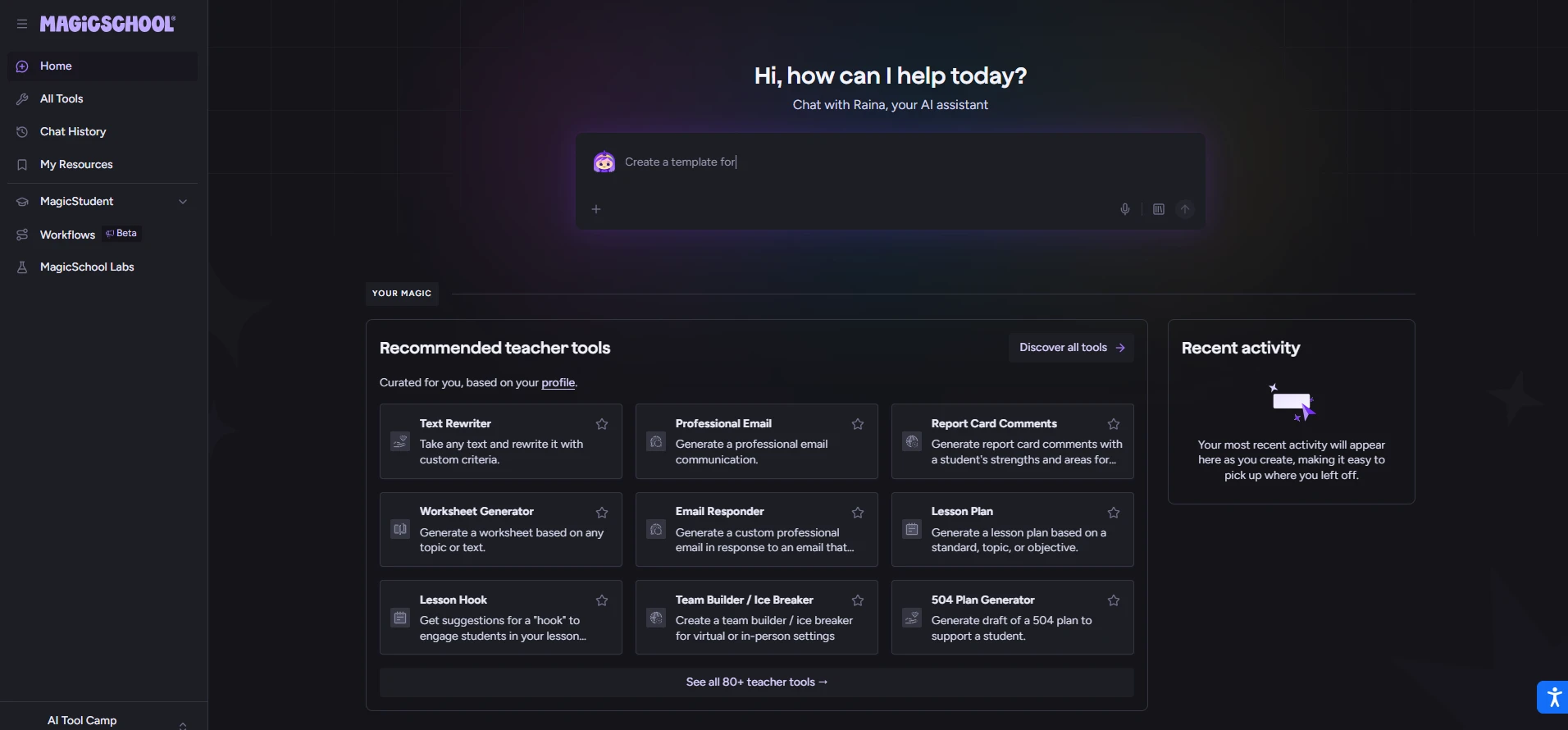
MagicSchool has become the default starting point for teachers exploring AI in 2026, and for good reason. It ships more than 80 purpose-built tools instead of a blank chatbot box, covering lesson plans, rubrics, worksheets, quizzes, IEP drafts, parent emails, and text leveling — all from guided prompts rather than trial-and-error.
What it’s best for: Teachers who want one login that covers most of their weekly prep instead of juggling five separate apps.
Standout features:
- Lesson Plan Generator that produces a full standards-aligned plan in under a minute
- IEP and 504 accommodation drafting support
- Student-facing “Rooms” where teachers control which AI tools students can access
- SOC 2, FERPA, and COPPA-compliant, with student data not used to train outside models
Pricing: The Free plan covers the core teacher and student tools with monthly usage limits — enough for most individual teachers to meaningfully cut prep time. Plus runs about $12.99/month (or roughly $8.33/month billed annually) and removes those caps. Districts negotiate Enterprise pricing for SSO and admin dashboards.
Worth knowing: Treat every output as a first draft. The lesson plans and rubrics are strong starting points, but they typically need five to ten minutes of teacher editing before they’re classroom-ready.
2. Brisk Teaching — Best for Teachers Who Live in Google Docs
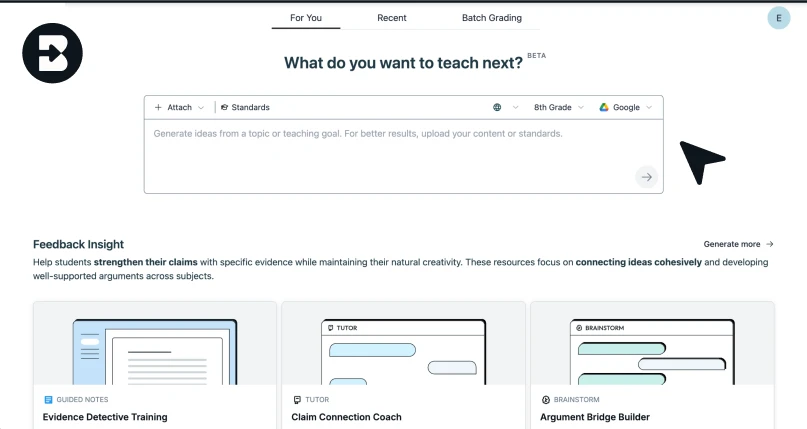
Brisk skips the separate-app problem entirely. It’s a Chrome and Edge extension that drops an AI side panel directly into Google Docs, Slides, Forms, and Classroom, so you never have to copy and paste between tabs.
What it’s best for: Teachers who already do everything inside Google Workspace and want AI assistance without adding another platform to remember.
Standout features:
- Inline writing feedback (“Glow & Grow,” rubric-based comments) directly on student docs
- Differentiate tool: select any text and instantly generate leveled versions
- Inspect Writing, which replays how a student wrote a document — useful for flagging AI-assisted submissions without accusing students outright
- Works in 50+ languages
Pricing: The Educator Free plan is genuinely free forever and includes 20+ tools with unlimited use on standard models. Premium and Intelligence tiers (turbo models, curriculum grounding, admin dashboards) are quote-based for schools and districts.
Worth knowing: Brisk is Chrome/Edge-first, so it’s built for desktop use — there isn’t a strong mobile workflow if that matters for your setup.
3. Curipod — Best for Live Classroom Engagement
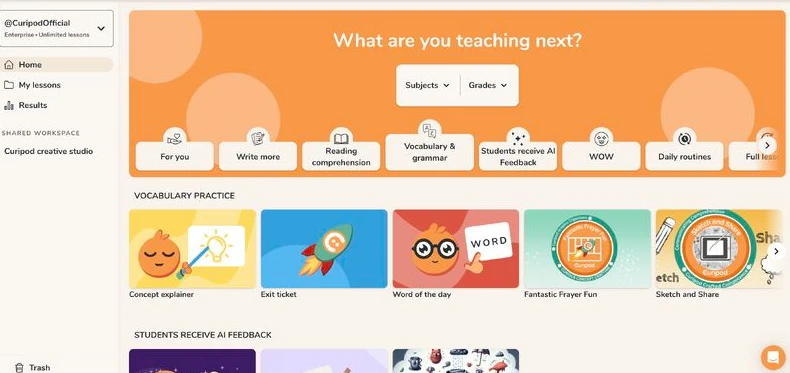
Curipod solves a different problem than MagicSchool or Brisk: it’s not about prep time, it’s about what happens during the lesson. Type in a topic and grade level, and it generates an interactive slide deck with polls, word clouds, open-ended questions, and quick-writes already embedded.
What it’s best for: Teachers who want more of the class actually participating, not just the same three hands going up every time.
Standout features:
- “Curify My Slides” turns an existing PowerPoint or PDF into an interactive deck automatically
- Real-time AI feedback on student writing responses, visible during class
- Works well as a bell-ringer or exit-ticket generator in under two minutes
Pricing: Free tier includes 5 lessons with unlimited participants. Paid plans start around $7.50/month billed annually for individuals, with school licenses priced separately.
4. Diffit — Best for Differentiating Reading Materials
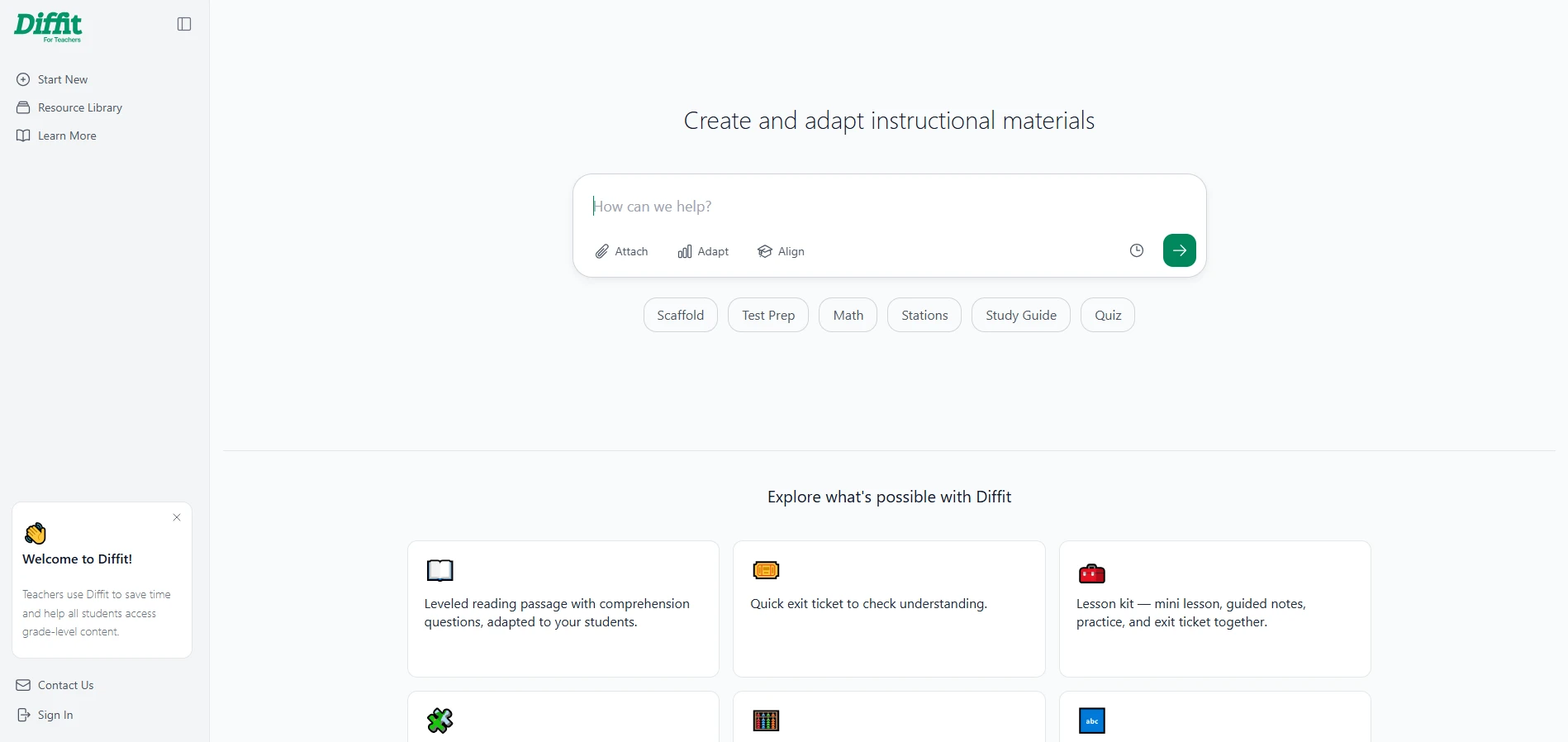
If you teach a class with a six-grade reading-level spread in the same room, Diffit is built specifically for you. Paste in any text — a textbook passage, an article, a PDF — and it generates multiple reading-level versions in seconds, each with matching comprehension questions.
What it’s best for: Differentiating the same lesson for mixed-ability classrooms without building three separate handouts by hand.
Standout features:
- Reading-level adaptation with comprehension questions built in
- Direct export to Google Classroom
- Works from any source text, not just pre-loaded content
Pricing: Free for limited use; full access runs about $14.99/month or roughly $150/year.
5. Gradescope — Best for Grading at Scale
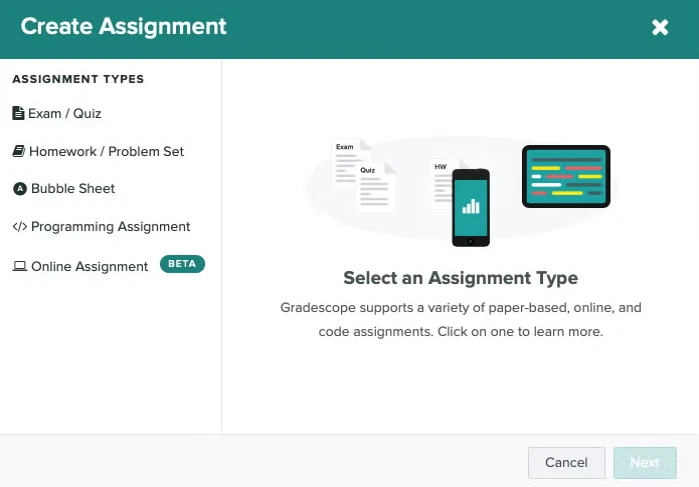
Grading is where AI tools for teachers deliver the most measurable time savings, and Gradescope remains the gold standard, especially for STEM and higher-ed style assessments. Its core trick: it groups similar student answers together so you can grade an entire pattern of responses at once instead of one student at a time.
What it’s best for: Teachers grading large classes, exams, or problem sets who want consistency without losing entire weekends.
Standout features:
- Handles typed responses, handwritten work, and coding assignments
- AI-assisted answer grouping cuts grading time dramatically for large classes
- Rubric-based scoring keeps feedback consistent across every submission
Pricing: Starts around $1/student for the Basic plan; AI-powered grouping and grading features require the Solo or Team plan, roughly $3/student.
6. Eduaide.ai — Best for Research-Backed Lesson Design
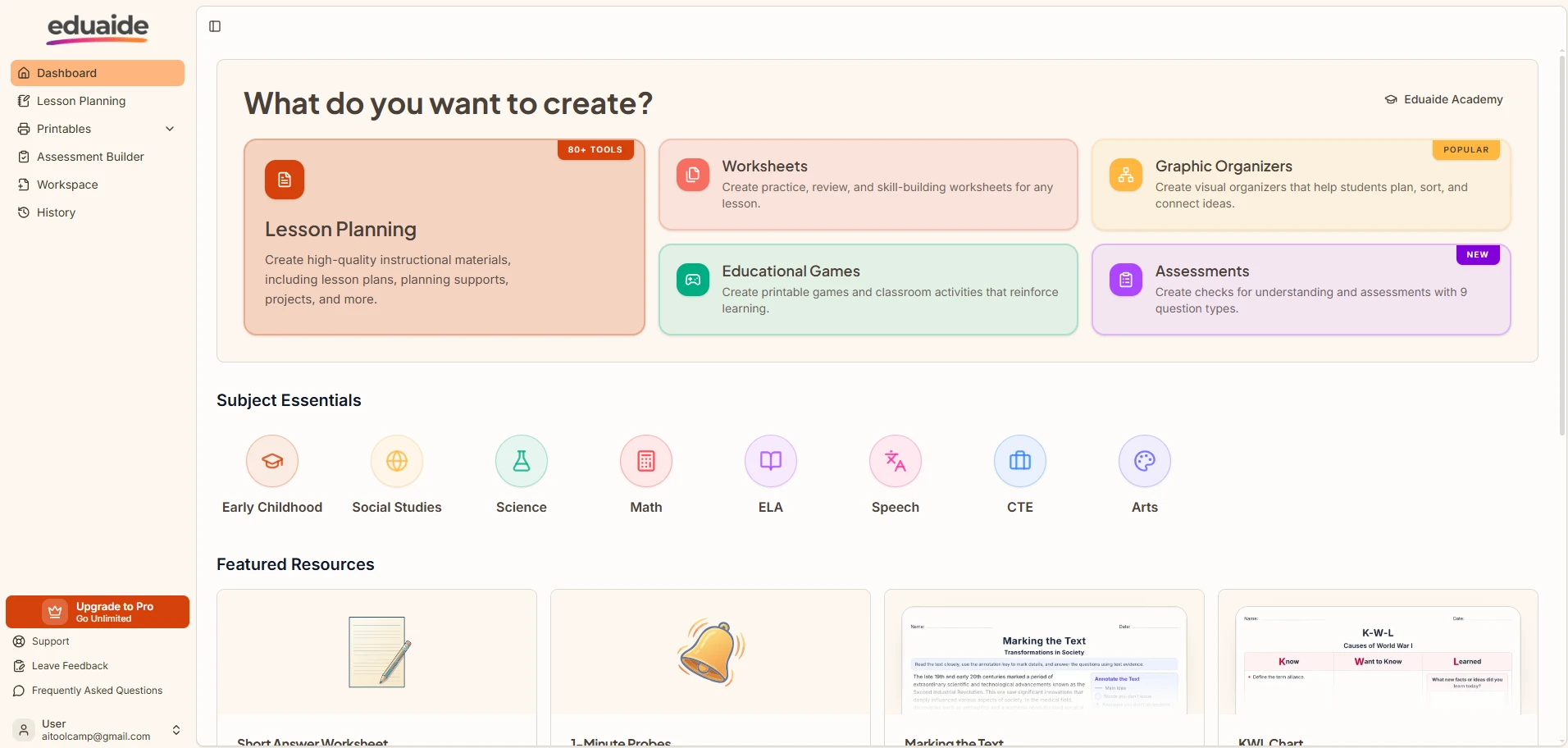
Eduaide takes a noticeably different approach from the “generate and go” tools above. Every output is grounded in an internal library of peer-reviewed education research, and lessons can be structured around specific frameworks — 5E Inquiry, Universal Design for Learning, Backward Design, or Gagné’s Nine Events — instead of a generic template.
What it’s best for: Teachers who want to understand why a lesson is structured the way it is, not just get something that looks formatted correctly.
Standout features:
- Sidebar tools (Differentiate, Revise, Evaluate, Questions) let you refine a lesson without regenerating it from scratch
- Generates multiple-choice, open-ended, discussion, essential, and exit-ticket questions on demand
- Strong fit for teachers pursuing National Board certification or instructional coaching work
Pricing: Free tier available with template access; paid tiers unlock expanded generation limits.
7. Canva for Education — Best for Visual Materials and Slides
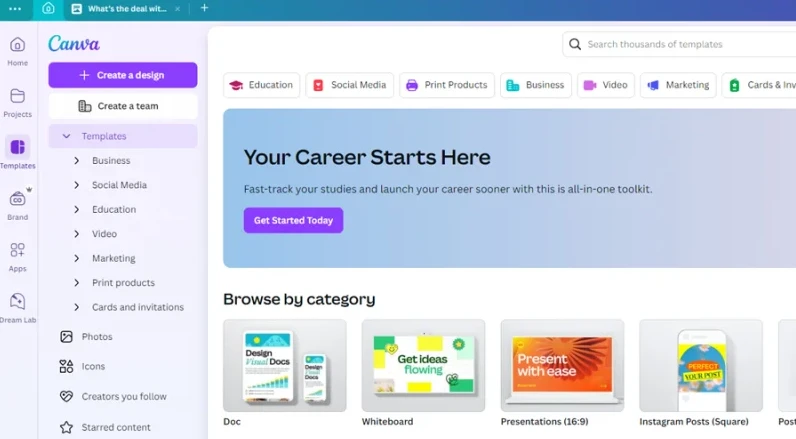
Canva’s education tier gives verified K-12 teachers and students free access to its entire premium suite — a package that would otherwise cost well over $100 a year — including Magic Write, Magic Design, and AI image generation.
What it’s best for: Building polished worksheets, slide decks, classroom posters, and parent-night presentations without needing design skills.
Standout features:
- Magic Design turns a prompt or uploaded image into a full layout instantly
- Thousands of education-specific templates (worksheets, certificates, newsletters)
- Fully free for verified educators — no trial limits
8. Edcafe AI — Best End-to-End Teaching Workflow
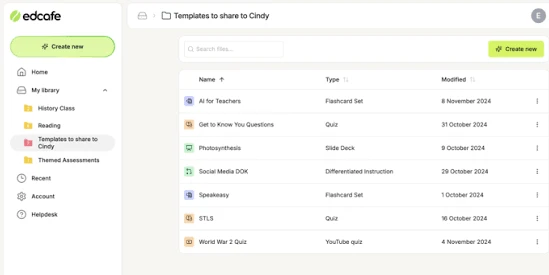
Edcafe is built to cover the entire teaching cycle in one place: plan the lesson, build the materials, deliver them to students, and track results, without switching apps at any step. Teachers can upload their own curriculum materials and have Edcafe generate content that stays aligned to it.
What it’s best for: Teachers who want lesson planning, custom AI chatbots for differentiation, and grading dashboards under a single login.
Standout features:
- Custom AI chatbots trained on your own uploaded materials, useful for differentiated support
- AI-assisted grading with real-time class dashboards
- Slide deck, flashcard, and quiz generation from a single topic or source document
Pricing: Free plan includes 100 monthly AI generations, 3 custom chatbots, and 3 assignment graders. Pro runs about $96/year (roughly $7.99/month), and Premium is about $180/year for larger classes and schools.
9. Khanmigo — Best AI Tutor With Teacher Tools Attached
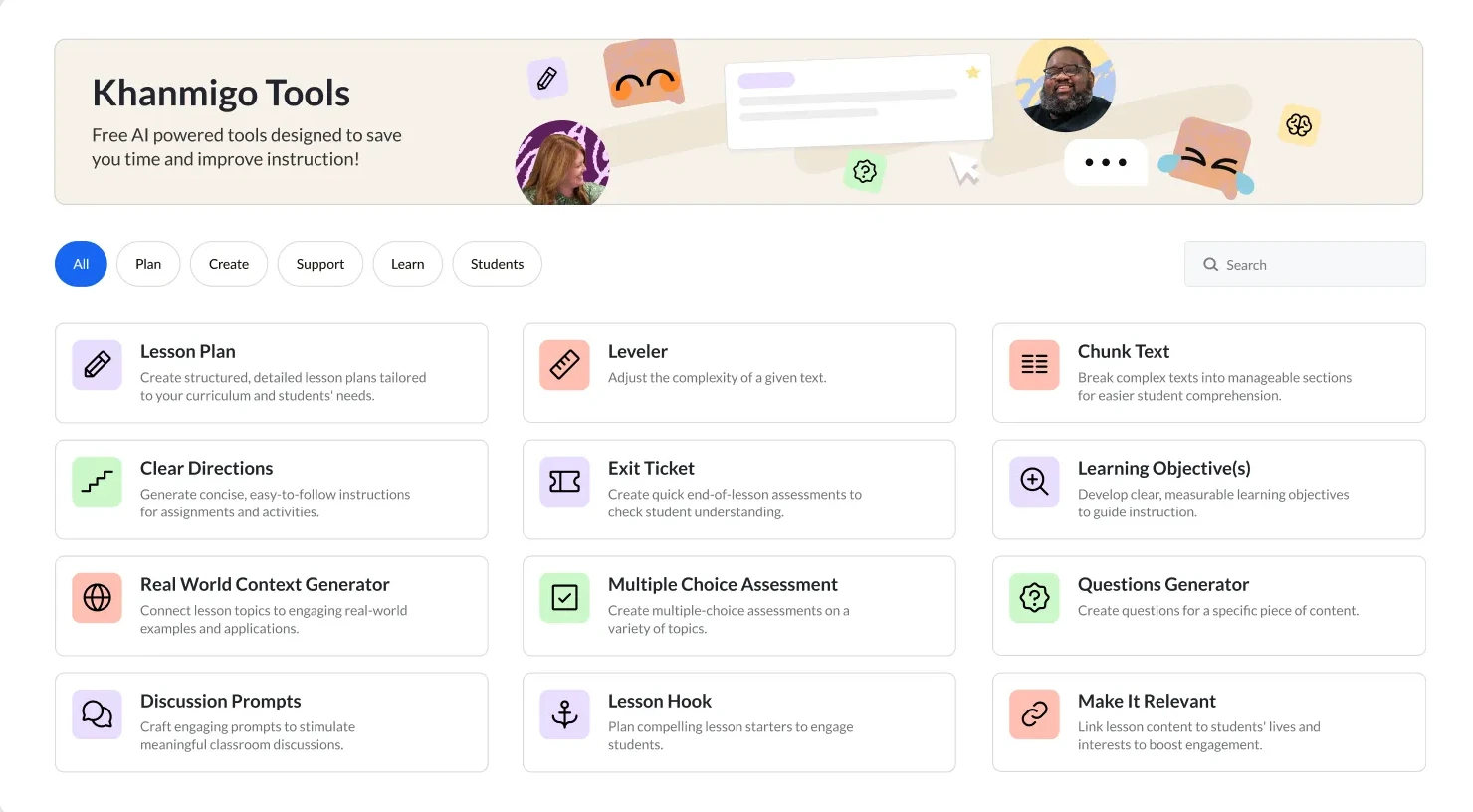
Khan Academy’s Khanmigo is primarily a student-facing AI tutor, but it ships with a genuinely useful teacher toolkit for lesson planning, rubric generation, and progress insights, built on the same Socratic-questioning approach Khan Academy is known for — guiding students to answers rather than handing them over.
What it’s best for: Teachers who want an AI tutor students can use directly, backed by teacher-side visibility into how it’s being used.
Pricing: Free for verified US teachers through Khan Academy’s rollout; access outside the US is currently more limited.
10. NotebookLM — Best for Turning Your Own Materials Into Study Aids
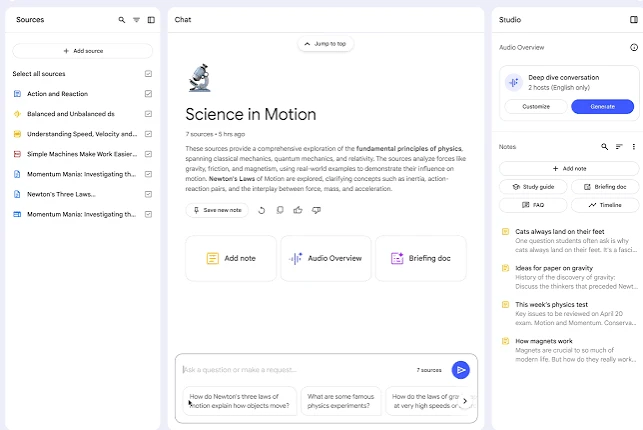
Google’s NotebookLM isn’t built specifically for education, but it’s become a quiet favorite among teachers for one reason: you upload your own documents — a unit’s readings, a textbook chapter, lecture notes — and it generates summaries, FAQs, and even a podcast-style audio overview grounded only in what you uploaded.
What it’s best for: Turning dense source material into a study guide or audio recap without the AI inventing facts that aren’t in your actual content.
Pricing: Completely free at notebooklm.google.com, with a premium tier through Google One AI Premium for higher usage.
If you’re building out AI tools specifically for the student side of the classroom rather than the teacher side, our guide to the best AI writing tools for students covers NotebookLM, Hemingway Editor, and Gemini in Docs in more depth.
How to Choose the Right AI Tool for Your Classroom
With this many options, the fastest way to decide isn’t “which tool is best” — it’s “which problem is actually costing me the most time.”
- Biggest time sink is lesson planning? Start with MagicSchool AI or Eduaide.ai.
- You live inside Google Docs all day? Brisk Teaching will feel like a native feature, not a new app.
- Grading is what eats your weekends? Gradescope pays for itself fastest.
- Students check out mid-lesson? Curipod is built specifically for that moment.
- Your class has a wide reading-level spread? Diffit solves that single problem better than any all-in-one platform.
- You want visuals without design skills? Canva for Education is free and covers that completely.
Most experienced teachers we spoke with end up combining two tools rather than one — typically a planning tool (MagicSchool, Eduaide, or Brisk) paired with either a grading tool (Gradescope) or an engagement tool (Curipod), rather than trying to force one platform to do everything. If your school is also exploring AI for presentations beyond the classroom, our breakdown of the best AI presentation makers is a useful next read for parent-night decks and staff PD sessions.
A Note on Privacy and Student Data
Before rolling any of these out with students, confirm three things: FERPA and COPPA compliance, whether the vendor trains its models on student data (the tools above that explicitly state they don’t are MagicSchool, Brisk, and Khanmigo), and whether your district requires a signed Student Data Privacy Agreement before classroom use. Free tiers are a reasonable way to test a tool yourself, but student-facing rollout should go through your school’s IT or curriculum office first.
Frequently Asked Questions
What is the best free AI tool for teachers?
MagicSchool AI and Brisk Teaching both offer genuinely usable free plans with no credit card required. For visual materials specifically, Canva for Education is completely free for verified K-12 teachers.
Are AI tools for teachers safe to use with student data?
The strongest options — MagicSchool AI, Brisk Teaching, Gradescope, and Khanmigo — are FERPA and COPPA compliant and state they don’t use student data to train outside models. Always confirm current compliance directly with the vendor and your district before using any tool with actual student submissions.
Can AI tools replace lesson planning entirely?
No. Every tool on this list produces a first draft, not a finished lesson. The time savings come from skipping the blank page, not from removing teacher judgment about what a specific class actually needs.
What’s the best AI tool for grading essays and exams?
Gradescope is the strongest option for grading at scale, particularly for exams and problem sets with many similar responses. For writing feedback specifically, Brisk Teaching’s rubric-based comments are a strong lighter-weight alternative.
Do I need a paid plan to get started?
Not usually. Nine of the ten tools above have a working free tier — MagicSchool, Brisk, Curipod, Diffit, Eduaide.ai, Canva for Education, Edcafe AI, Khanmigo, and NotebookLM are all free to try before you’d ever need to justify a purchase to your school.
Looking for more classroom-ready AI picks? See our full roundup of AI tools by industry, or check out our guide to the best AI writing tools for students for the student-facing side of this list.